Introduction
You added one more service to your SPF record, a helpdesk or a newsletter tool, and a week later a DMARC report or a bounce says `spf=permerror`. Nothing in the record looks wrong. Every include is spelled correctly and every service is real. The record is broken anyway, because checking it now takes more DNS lookups than a receiving server is allowed to make.
A permerror is worse than having no SPF record at all: the receiver cannot evaluate the record, so mail from every sender on the domain, including your main mailbox provider, loses its SPF pass.
The Rule Receivers Follow
RFC 7208 §4.6.4 says an SPF check must stop after 10 terms that need a DNS query, and return permerror if it needs more. The terms that count are include, a, mx, ptr, exists and the redirect modifier. ip4, ip6 and all cost nothing, because the receiver already has everything it needs.
The count is recursive. An include costs one lookup for itself plus every lookup inside the record it points to, and every lookup inside those. That is why a record with four includes can need twelve lookups.
The same section adds two quieter limits. More than two lookups that return nothing (a name that does not exist, or exists with no answer) is also a permerror, and an mx term whose domain lists more than 10 mail servers fails too.
What Common Providers Cost
Providers change their own records, so these numbers drift. We resolved each include on 8 October 2026 and counted it the way a receiver does, including the include itself:
| Service | Include | Lookups |
|---|---|---|
| Google Workspace | include:_spf.google.com | 1 |
| Microsoft 365 | include:spf.protection.outlook.com | 1 |
| Zoho Mail | include:zohomail.com | 2 |
| Proton Mail | include:_spf.protonmail.ch | 2 |
| iCloud+ custom domain | include:icloud.com | 5 |
| Mailgun | include:mailgun.org | 5 |
| Zendesk | include:mail.zendesk.com | 1 |
The iCloud include is a good example of hidden cost: icloud.com redirects to _spf.icloud.com, which includes three more records, so one visible term costs five.
How To Count Your Own Record By Hand
- Look up your record:
dig +short TXT example.comand find the line startingv=spf1. - Count every include, a, mx, ptr and exists term, and a redirect if the record has no all.
- For each include, look up the record it names and repeat, adding what you find.
- Stop when you reach records made only of ip4, ip6 and all.
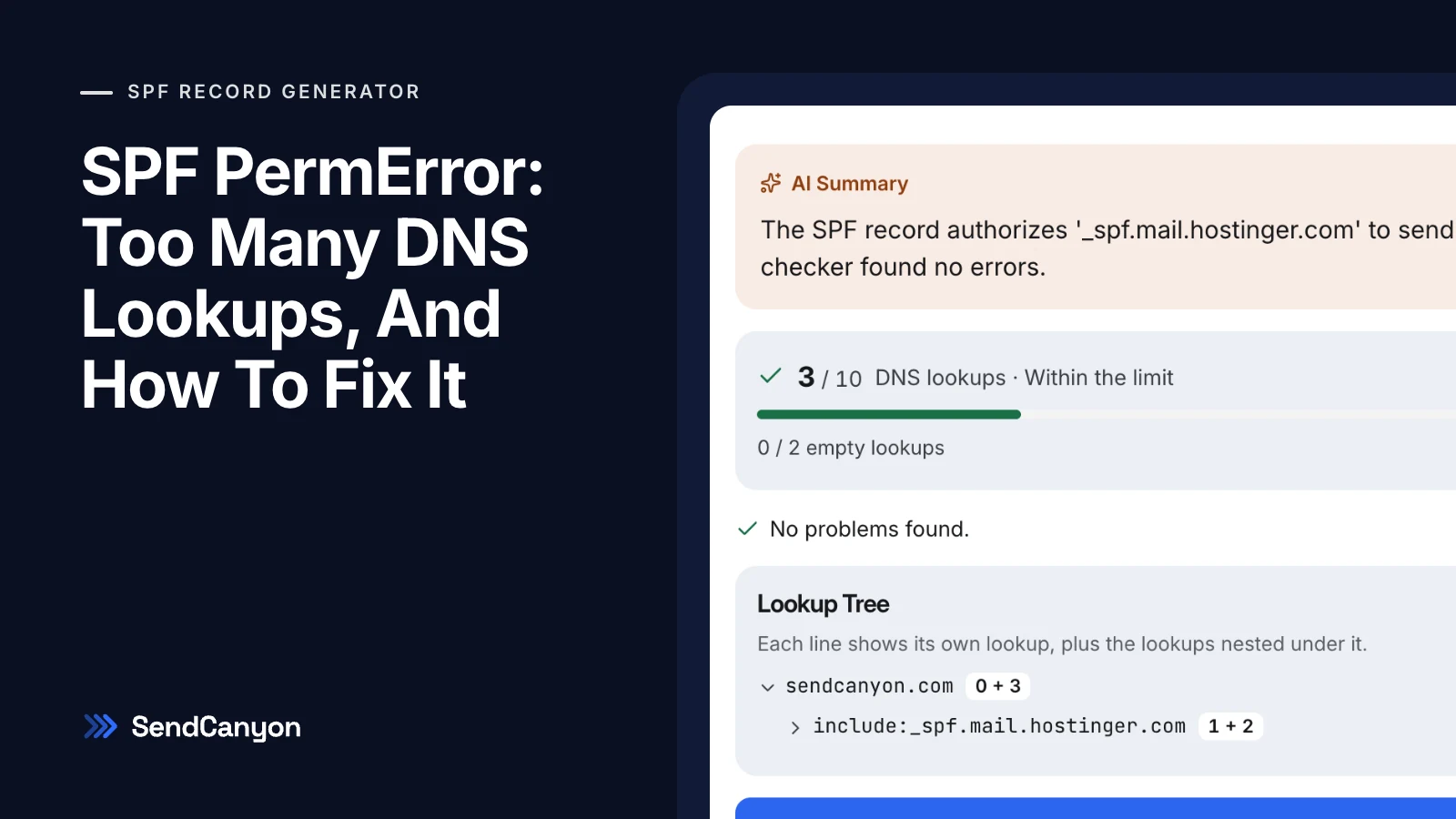
Doing this by hand is slow and easy to get wrong, because records nest three or four levels deep. The SPF record generator does the same walk and shows it as a tree, with each line's own cost and the cost nested under it.
The Fixes, Safest First
Remove Includes Your Domain Does Not Need
SPF checks the return-path domain, not the From address. Services that send with their own return-path never use your SPF record, so their include only costs you lookups. Postmark says plainly that adding its include to your root domain does nothing. Mailchimp's domain authentication has no SPF step at all, and SendGrid with automated security puts SPF on a subdomain it manages.
Remove Senders You No Longer Use
Old records collect includes for tools nobody has logged into in years. If a service no longer sends as you, its include can go. When unsure, check your DMARC aggregate reports for that service's IP ranges before removing it.
Move A Bulk Sender To A Subdomain
A subdomain such as news.example.com has its own SPF record and its own 10 lookups. Microsoft recommends this for services you do not control directly, so problems there do not touch the reputation of your main domain.
Flatten Only As A Last Resort
Flattening replaces an include with the IP ranges it resolves to today. It cuts lookups, but the list is frozen: when the provider adds an address, mail from it fails SPF until you notice. Microsoft says not to flatten Microsoft 365 because its addresses change often. An include that uses exists, ptr or macros cannot be flattened at all, because its answer depends on each message.
How SendCanyon Handles This
The free SPF record generator counts lookups live as you add providers, lists the includes you can drop, and flattens only includes that can be flattened correctly, then re-checks the result. Its guide covers each tab.
Inside SendCanyon, every sending domain is checked under Senders → Domains before a campaign can use it, with the same lookup count. A record over the limit is flagged with the terms involved rather than replaced with one that would drop your other senders, and verified domains are re-checked every six hours. For how SPF fits with DKIM and DMARC, see SPF, DKIM, DMARC explained for founders.
Keep reading
- DeliverabilityBIMI Logo Not Showing? Seven Causes And How To Fix EachBIMI logo not showing in Gmail, Apple Mail or Yahoo? Check these seven causes in order, from DMARC policy to certificate, with the exact command for each one.7 min read
- DeliverabilityDMARC Fail But SPF Pass: Fixing DMARC AlignmentSPF passes, DKIM passes, and DMARC still fails. Learn what DMARC alignment compares, how to spot the mismatch in a header, and the fix for each common cause.6 min read