SendCanyon · setup
From a cold domain to live sequences, in four steps.
There is no shortcut to the inbox, only a sequence of unglamorous things done in the right order. Every workspace walks the same four steps, and the product will not let you skip one.
Connect a domain and a mailbox
Sign in with Google Workspace or Microsoft 365, or paste SMTP and IMAP credentials for anything else. Amazon SES works too if that is where you already send.
SendCanyon then resolves SPF, DKIM and DMARC for the domain and shows you the exact record to fix if one of them is wrong.
- SPFResolving…
outbound.acme.co
v=spf1 include:_spf.google.com ~all
- DKIMResolving…
sc._domainkey.outbound.acme.co
v=DKIM1; k=rsa; p=MIIBIjANBgkq…
- DMARCResolving…
_dmarc.outbound.acme.co
v=DMARC1; p=none; rua=mailto:dmarc@acme.co
A DMARC record without a p= policy tag does not pass here. Records are re-resolved against live nameservers, not cached.
Let warmup build the reputation
The mailbox starts on a small daily allowance and climbs on a schedule, exchanging real mail with peer mailboxes while the receiving side is genuinely read to confirm the open.
Campaign sending stays locked until the domain has cleared. An established domain moves faster; a domain registered last week takes the whole runway.
0 / day
Warmup mail goes to real peer mailboxes and the open is confirmed by reading the receiving inbox, not simulated.
Bring the list and clean it on the way in
Upload a CSV or push contacts through the API. Addresses are validated at import so invalid and risky rows never reach a receiving mail server.
Your suppression list, previous bounces and every unsubscribe apply automatically, including to contacts you import later.
0
- Deliverable4,512
- Invalid218
- Risky82
Suppressions, prior bounces, and unsubscribes are applied at import and again between sequence steps.
Launch and watch the send log
Write the steps, set the waits, choose the sending window, and launch. Sends spread across the warmed pool at a deliberately uneven human pace.
The first message can sit for up to ten minutes before it goes. That is the launch jitter working, not a stuck queue.
Intro: one specific reason
Sent immediately on enrolment
14 contacts replied here; remaining steps cancelled for them
Follow-up: the proof
3 working days later
Break-up: one line
5 working days later
Waits are working days inside your send window, so a Friday step does not arrive at 02:00 on Sunday.
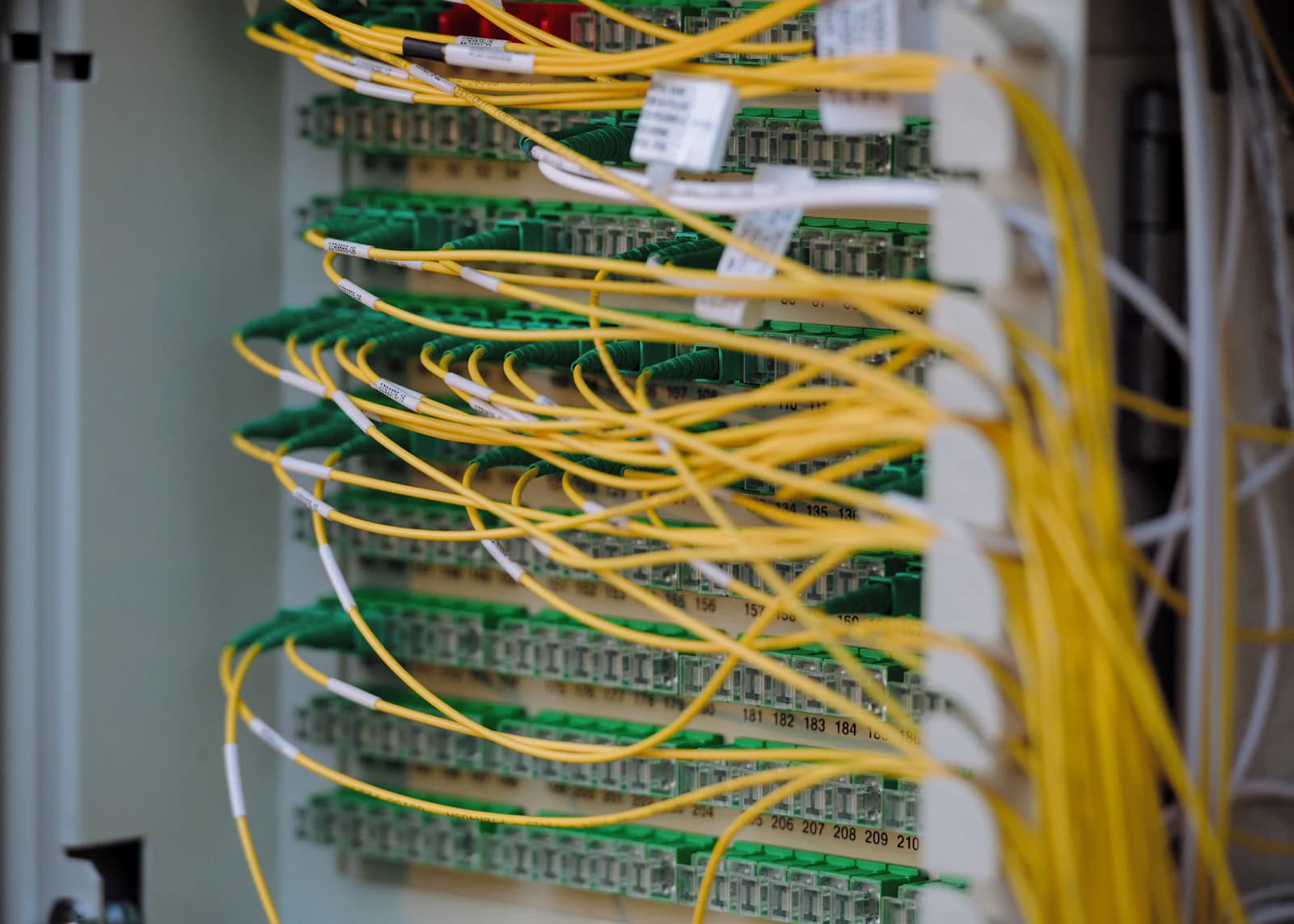
None of this is glamorous
It is DNS records, rate limits and patience. That is exactly why so few teams do it properly, and why doing it properly still works.
Photography by Albert Stoynov on Unsplash.
Four things that look like bugs and are not
Most support questions in the first week are one of these. They are all deliberate, and knowing them up front saves an afternoon.
The default send window is Monday to Friday, 08:00 to 17:00 UTC
Launch on a Saturday evening and every message is scheduled for Monday morning. The campaign will read as active and nothing will have gone wrong. The review screen states the resolved window and the first send instant before you commit.
The first message waits up to ten minutes
Launch jitter is deliberate: a campaign whose very first send fires the instant you press the button looks exactly like automation. If nothing has happened after two minutes, it has not failed.
Changing the schedule does not move pending sends
Pausing, editing the sending config and relaunching requeues the existing messages at the time they were already given. Set the schedule before the first launch, not after.
A mailbox with no verified domain never sends
You can connect a mailbox before its domain is verified, and it will sit quietly out of every campaign until the domain passes. The domains screen tells you which record is missing.
Step one takes about ten minutes
Connect a mailbox today and let warmup run in the background while you write the first sequence.