Introduction
Your sending tool says 98% delivered. Your reply rate says something is wrong. Both can be true at once, because "delivered" only means the receiving server accepted the message — a message filed straight into spam counts as delivered. The only way to know where your mail actually lands is to look, and an inbox placement test is the structured way of looking.
This guide explains how placement tests work, how to read the results without fooling yourself, what the authentication headers and blocklist checks are telling you, and the order in which to fix what you find.
What an inbox placement test measures
An inbox placement test sends one real message to a set of seed mailboxes — accounts at different mailbox providers that exist only to receive test mail — and then checks which folder each copy ended up in. The result is a provider-by-provider map: Inbox at one, a Gmail tab at another, Spam at a third, never arrived at a fourth.
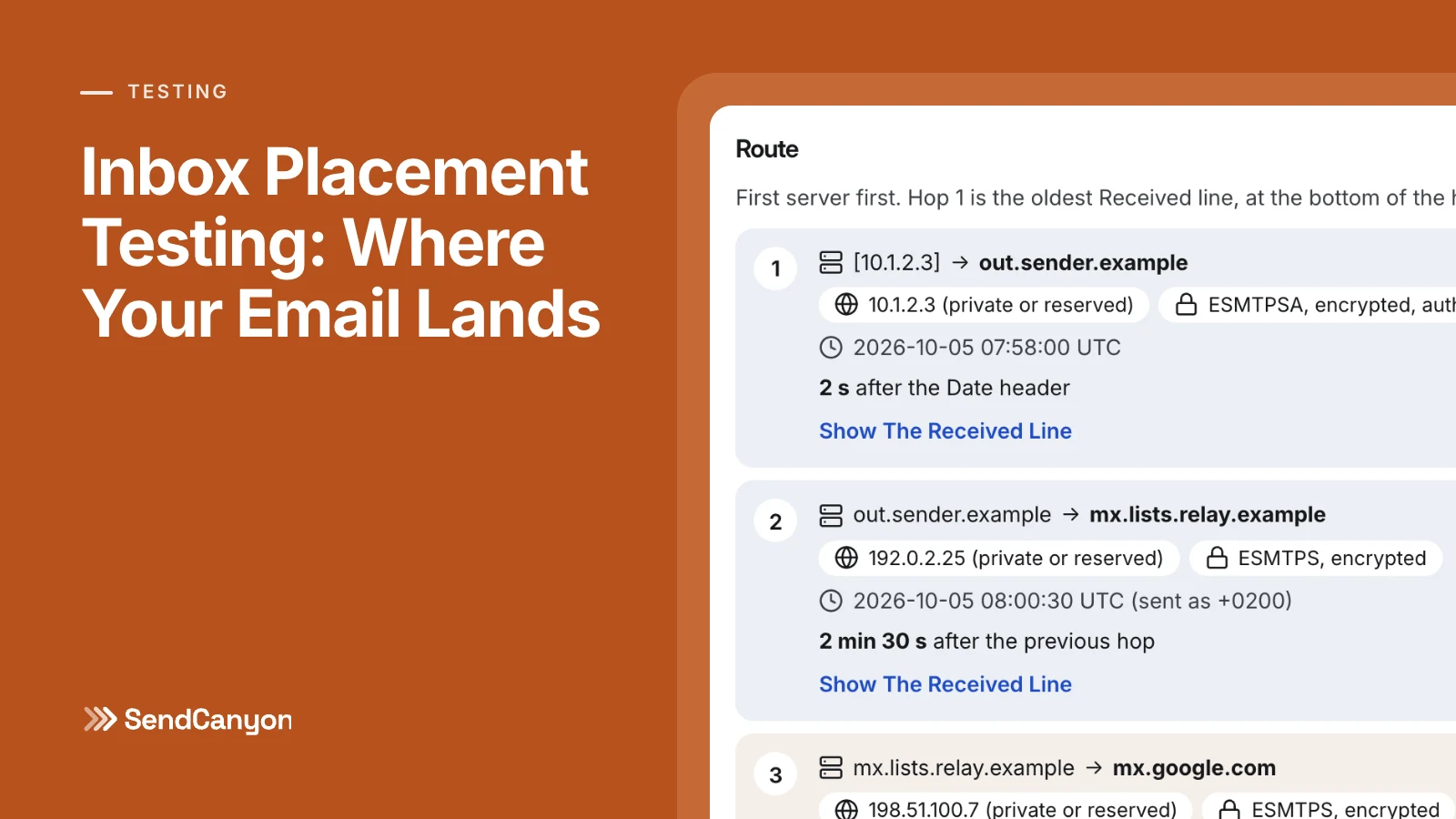
A good test also captures the message as it was received, which lets you see what the receiving side saw: whether SPF, DKIM and DMARC passed, which IP and server name connected, whether the domains involved are on a blocklist, and how a content filter scored the message. Placement tells you what happened. The rest of the report tells you why.
How seed lists work, and their limits
The seed list is the heart of the test, and it is worth understanding what it can and cannot tell you before you trust a number from it.
- Coverage matters. Consumer Gmail and Google Workspace filter differently; so do Outlook.com and Microsoft 365 tenants behind their own policies. Yahoo, Zoho and other providers each have their own systems. A seed list weighted toward the providers your prospects actually use gives you a more honest picture.
- Seeds have no history with you. Gmail personalises filtering per recipient: a prospect who has replied to you before is treated differently from a mailbox that has never seen your domain. Seeds behave like cold recipients, which is exactly right for cold email, but they cannot reproduce the effect of an engaged audience.
- A test is a sample, not a census. One message to a few dozen seeds is a snapshot of how providers treated that message at that moment. Treat a single result as evidence and a trend across several tests as a conclusion.
- Send it the way you really send. Test from the actual mailbox, domain and sending infrastructure you will use for the campaign, with the real template. A test from a different account tells you about a different sender.
Gmail tabs are not spam
Gmail sorts the inbox into Primary and, for many users, the Promotions, Social, Updates and Forums tabs. A message in Promotions has passed the spam filter; Gmail has decided it looks like marketing. That is a very different problem from a spam-folder placement, and a test that lumps the two together will send you chasing the wrong fix.
For cold email, Promotions placement is still worth fixing, because a one-to-one business message should read as personal correspondence. The usual causes are marketing-style structure rather than reputation: heavy HTML templates, banner images, multiple tracked links, a newsletter-style footer. Plainer messages with one or no link tend to read as personal. Spam placement, by contrast, usually points to authentication, reputation or blocklist problems, which is where the next sections come in.
Reading the Authentication-Results header
Every major receiver records its authentication verdicts in an Authentication-Results header, standardised in RFC 8601. It is the most direct evidence you have of how a provider saw your message. A clean Gmail result looks like this:
Authentication-Results: mx.google.com;
       dkim=pass [email protected] header.s=s1 header.b=Kq3vX9aB;
       spf=pass (google.com: domain of [email protected] designates 203.0.113.10 as permitted sender) [email protected];
       dmarc=pass (p=NONE sp=NONE dis=NONE) header.from=yourdomain.com
Read it in three steps:
dkim=passand theheader.i/header.ddomain. A pass signed by your own domain is what you want. A pass signed only by your email provider's domain (for example a shared ESP domain) does not align with your From address, and DMARC will not count it.spf=passandsmtp.mailfrom. SPF checks the envelope sender, not the visible From. Ifsmtp.mailfromis on a different domain from your From address, SPF can pass and still fail to align.dmarc=passandheader.from. DMARC passes when at least one of SPF or DKIM passes and aligns with the From domain. This is the line Google, Yahoo and, since 2025, Microsoft's Outlook.com check for bulk senders.dmarc=failwithdis=QUARANTINEordis=REJECTmeans your own policy told the receiver to junk or refuse the message.
Microsoft adds its own composite verdict in the same header as compauth=pass or compauth=fail with a reason code, and records a spam confidence level in X-Forefront-Antispam-Report as SCL: 5 or 6 means the message was filtered as spam, 9 means high-confidence spam. If the message passed through a forwarder or mailing list, look for ARC-Authentication-Results too — ARC, defined in RFC 8617, lets an intermediary vouch for the authentication results it saw before it modified the message.
Two server-level checks belong alongside these. Reverse DNS: the connecting IP should have a PTR record whose hostname resolves back to the same IP (forward-confirmed reverse DNS), which Google requires of senders. HELO/EHLO: the name your server announces should be a real, resolvable hostname, not localhost or a bare IP. If you send through Google Workspace or Microsoft 365, both are handled for you; if you run your own server or a relay, they are among the first things to verify. Our SPF, DKIM and DMARC guide explains alignment in more depth.
Checking blocklists properly
DNS blocklists (DNSBLs) are queried by receivers in real time, and they list three different things. A placement test should check all of them:
| What is checked | Typical lists | What a listing means |
|---|---|---|
| Sending IP | Spamhaus ZEN (SBL, XBL, PBL), Barracuda BRBL, SpamCop | The server your mail leaves from has been seen sending spam, is compromised, or sits in a range that should not send mail directly |
| From and DKIM domains | Spamhaus DBL | Your domain itself has a poor reputation, wherever it sends from |
| Link domains | Spamhaus DBL, SURBL, URIBL | A domain you link to — including a tracking or shortener domain — is associated with spam |
One technical trap catches many do-it-yourself checks. Spamhaus does not answer queries that arrive through large public DNS resolvers; instead of a listing result it returns an error code in the 127.255.255.x range. A naive checker can misread that as a listing, or — worse — read the absence of a normal answer as "not listed". A list that refused to answer should be reported as unavailable, never as clean.
If you find a listing, follow the list operator's own removal process after fixing the cause. Requesting removal without fixing the underlying problem — a compromised account, a bad list, a shared link domain — usually ends in a relisting.
How to interpret the results
A placement report is most useful when you read its parts together. These are the common patterns and what they usually mean:
- Spam everywhere, authentication failing. The cause is almost certainly DNS: a missing or broken SPF record, DKIM not enabled at your provider, or a From domain that does not align. Fix this before anything else.
- Spam everywhere, authentication passing. Look at blocklists and domain age. A new or unwarmed domain, or a domain on Spamhaus DBL, produces exactly this shape.
- Inbox at most providers, spam at one. That provider has a specific view of your domain or IP. Check its own tools — Google Postmaster Tools for Gmail, Microsoft SNDS for IPs you control — and look at what is different about your volume to that provider.
- Promotions at Gmail, inbox elsewhere. A content and structure issue, not reputation. Simplify the message.
- Missing at some seeds. The provider did not deliver the message within the test window — sometimes throttling or deferral of an unfamiliar sender, sometimes an outright refusal. Check your sending logs for a bounce or deferral from that provider.
- High content-filter score. Even if placement looked fine, a high spam filter score will hurt you at the corporate gateways your seed list does not cover.
Fixing problems in priority order
When a test turns up several problems, fix them in this order. Each step is a precondition for the next one to matter.
- Authentication. SPF, DKIM and DMARC passing and aligned, valid reverse DNS and HELO. Gmail and Yahoo have required this of bulk senders since February 2024.
- Blocklists. Remove the cause, then request delisting. Replace any link domain that is listed, including shorteners and shared tracking domains.
- Reputation and volume. Slow down. Warm new domains and mailboxes before campaign volume — see the warmup ramp schedule — validate the list, and keep complaints well under the 0.3% bulk-sender ceiling.
- Content. Fix the failed checks in the template: shorteners, image-only content, missing plain-text part, unrendered merge fields, deceptive or pushy language. How to test your cold email template for spam walks through it.
- Tabs. Only once mail reaches the inbox somewhere does Primary-versus-Promotions become the problem worth solving.
Then test again. A fix you have not re-tested is a hypothesis. Good moments to run a test: before launching from a new domain or mailbox, after any DNS change, after a significant template change, and whenever replies fall on an audience that has not changed.
Running a placement test in SendCanyon
SendCanyon's inbox placement test sends one message to a check address and to a network of real seed mailboxes at Gmail, Outlook, Yahoo, Zoho and other providers, then reads each seed to find whether the copy landed in the Inbox, a Gmail tab, Spam, or never arrived. You can send from a connected mailbox, from the marketing tool you already use, or through the API. The report covers SPF, DKIM, DMARC alignment and ARC on the received message, forward-confirmed reverse DNS and the HELO name receivers saw, each provider's own Authentication-Results verdict, live DNS blocklist checks on the sending IP, the From and DKIM domains and your link domains, and the spam filter score with every rule it triggered. A test stays open for two hours; any seed that has not received the message by then is reported as missing. The placement test docs describe each part of the report.
Before you test placement, check the copy: the free email template checker and the in-app template checker catch content problems before they cost you a test. Know where your mail lands, fix it in order, and re-test until the answer is the inbox.
Keep reading
- DeliverabilityLinks In Cold Email: What We Tested And What Gets FlaggedHow many links can a cold email carry, and which ones get it flagged? We tested shorteners, redirects, IP links and blocklisted domains through a spam filter.8 min read
- DeliverabilitySPF Softfail Or Hardfail? Choosing The Policy For Other ServersGoogle recommends ~all and Microsoft recommends -all. What each tells a receiver, how DMARC treats them, and how to choose without losing forwarded mail.3 min read